
Locations / Islands
Cuba
Use Cuba to plan the islands check around Cuba.
- Region
- Cuba
Location Confirm in current build
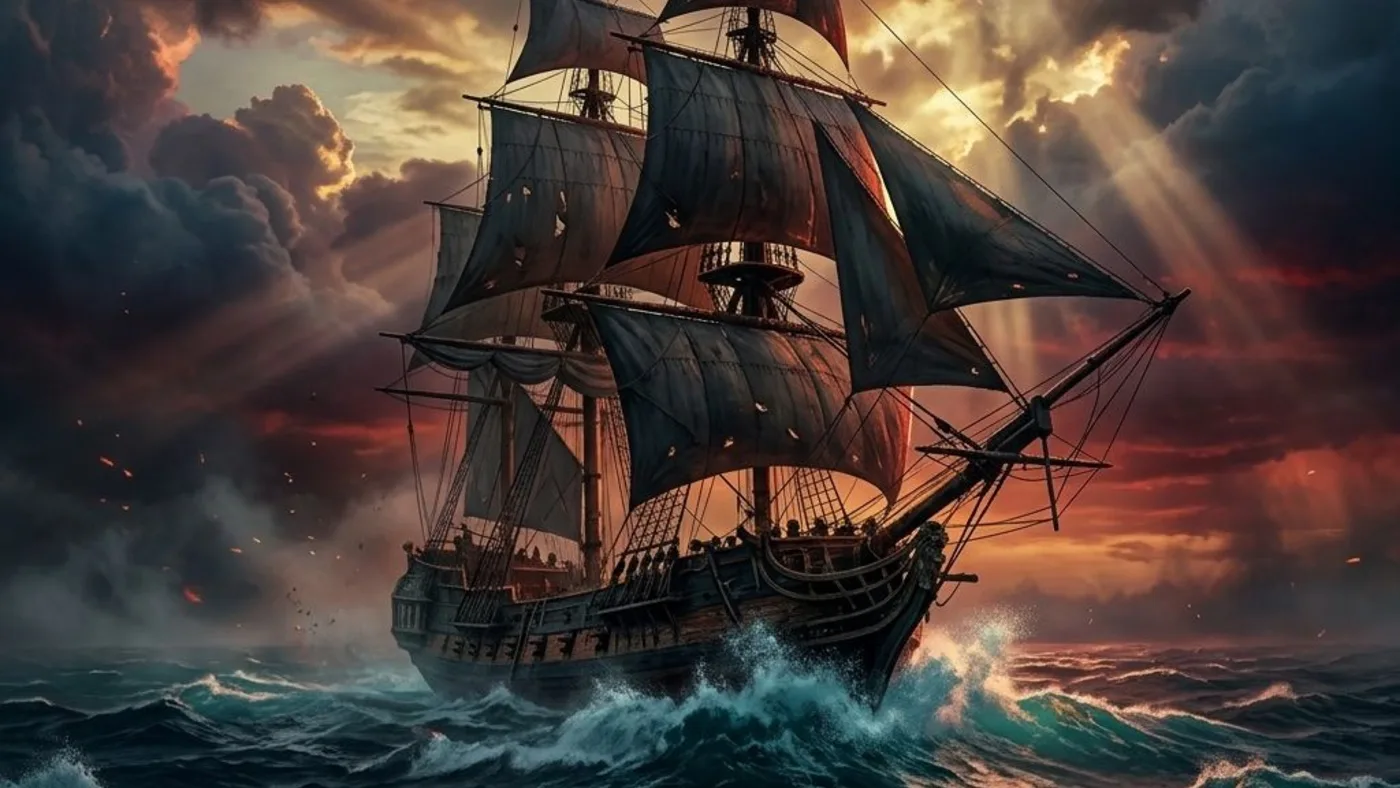
Route Plan
How to use Cuba
Use Cuba as a route hub for nearby collectibles, treasure maps, forts, contracts, or mission cleanup. Use local viewpoints and the world map before starting a sweep.
- Start with the Cuba check before moving to nearby markers.
- Use the in-game map marker, viewpoint sync, or route clue to confirm the exact spot.
- Confirm the reward or completion state before leaving the area.
Save Checklist
Save Checklist
Use these checks before marking Cuba complete.
- Entry type: Location.
- Recommended check: Check map.
- Confirm the marker, reward, or requirement in the current Resynced build.
Region Sweep
Region Sweep
Use locations as route hubs when several checks sit in the same waters or city block.
- Open the map first and mark any listed coordinate cluster.
- Group nearby treasure maps, fragments, shanties, chests, contracts, and viewpoints before sailing away.
- Check whether the location connects to a mission, fort, shipwreck, or Jackdaw upgrade route.


Common Questions
What should I check near Cuba?
Use the location as a hub for nearby coordinates, collectibles, treasure maps, contracts, or mission cleanup.
Should I clear the whole region in one pass?
Usually yes. Group nearby checks before sailing away.
Should I confirm this in the current build?
Yes. Use the route notes as planning help, then confirm the current map marker, upgrade menu, reward, or platform page before spending time on a long route.